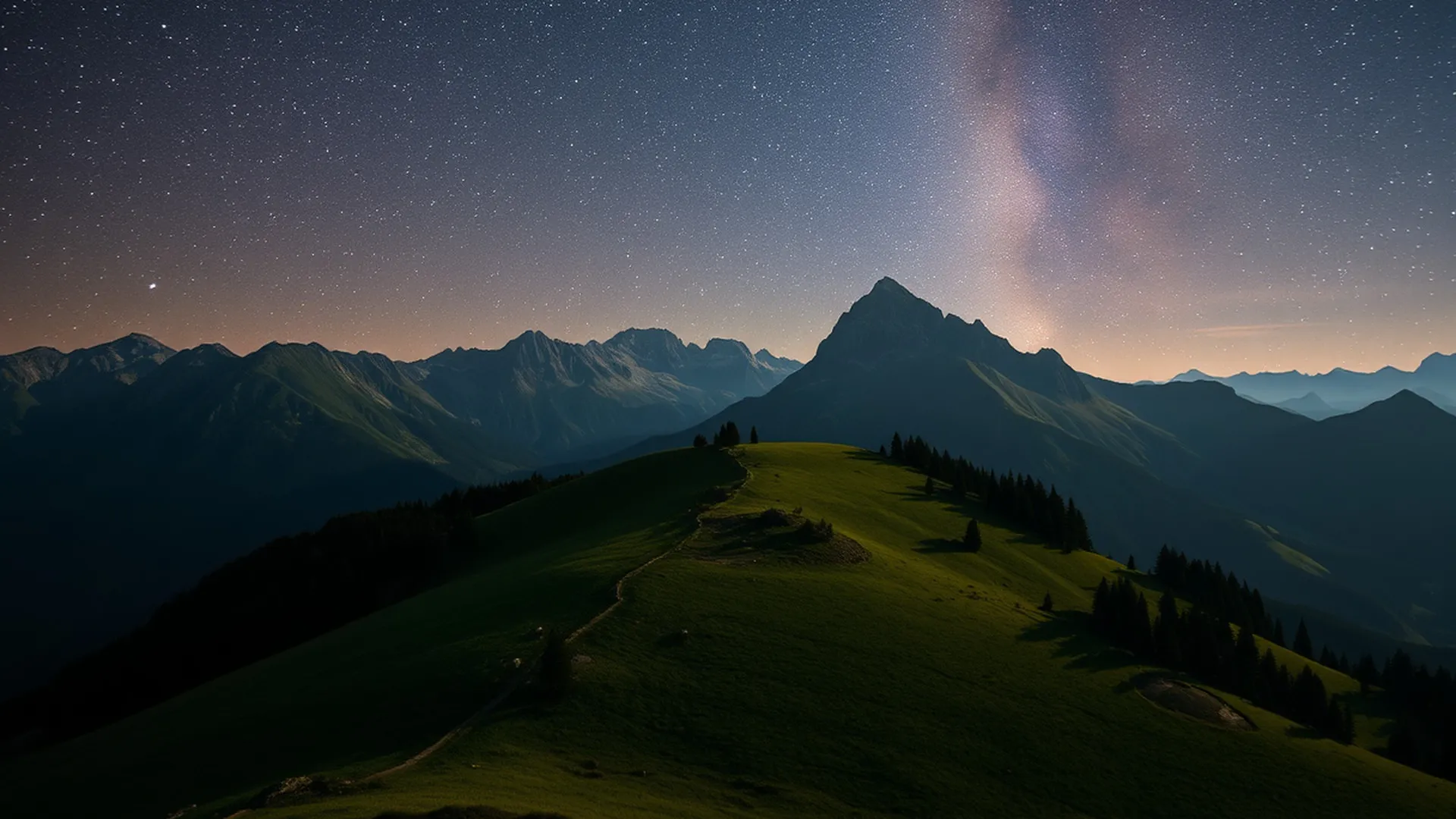
Alpine + mist · early days
A curated desktop for the machine you already have.
Alpymist is an opinionated Wayland desktop on Alpine Linux: Hyprland, configured once and kept in focus, secure by default, and shipped as nothing but signed packages.
The name is Alpine plus mist, the haze on the mountains. It is also a pun on alchemist, which is roughly what turning a fifteen-year-old laptop back into a usable desktop amounts to.
Hyprland, and only Hyprland
One desktop, configured once and kept in focus: Hyprland on Wayland, with its keybindings, theme, bar and launcher. The installer probes the machine and says how well it will run there, and why.
Read the decision →signed packagesNo curl | sh. Ever.
Every piece of Alpymist, down to the wallpaper, is an apk in a signed repository, built in the open from a tagged commit. You boot the installer, or you apk add it onto Alpine, and upgrades are apk upgrade.
Read the decision →secure by defaultNothing unsafe is on
No automatic login, no passwordless root, no listening service, no secret kept in the clear. The means to weaken any of it ship as a switch that says what it gives up, and turns back off.
Read the decision →rustFirst-party code in Rust
The installer, the login and lock screens, Settings, the menu and the popups under the bar are Rust. unsafe is denied workspace-wide and confined to one short file that talks to EGL, where there is no other way.
Read the decision →musl + flatpakA base you can audit
Pure musl Alpine underneath. Proprietary and glibc-only software runs through Flatpak, in a sandbox, rather than natively beside it.
Read the decision →written downEvery decision has a record
What forced each choice, what was chosen and what it costs. A decision that is reversed gets a dated addendum, and the original stays.
Read the decision →The desktop
What is in it
A login screen, a bar, a menu on Super+Space and a Settings app, with a terminal, a browser and Flatpak behind them. These are the parts Alpymist wrote itself. Each is in the manual, and each has a record of why it is the way it is.
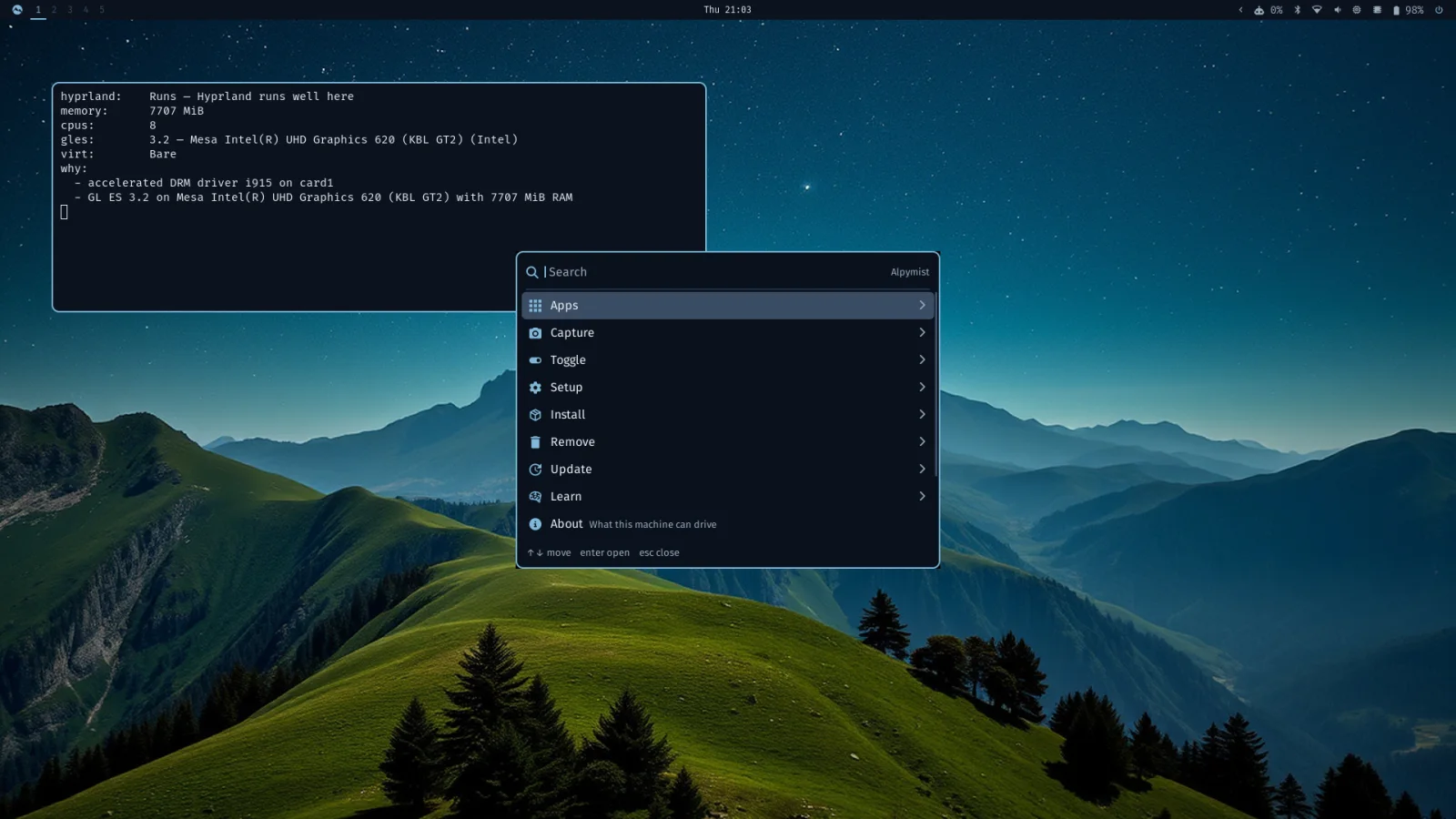
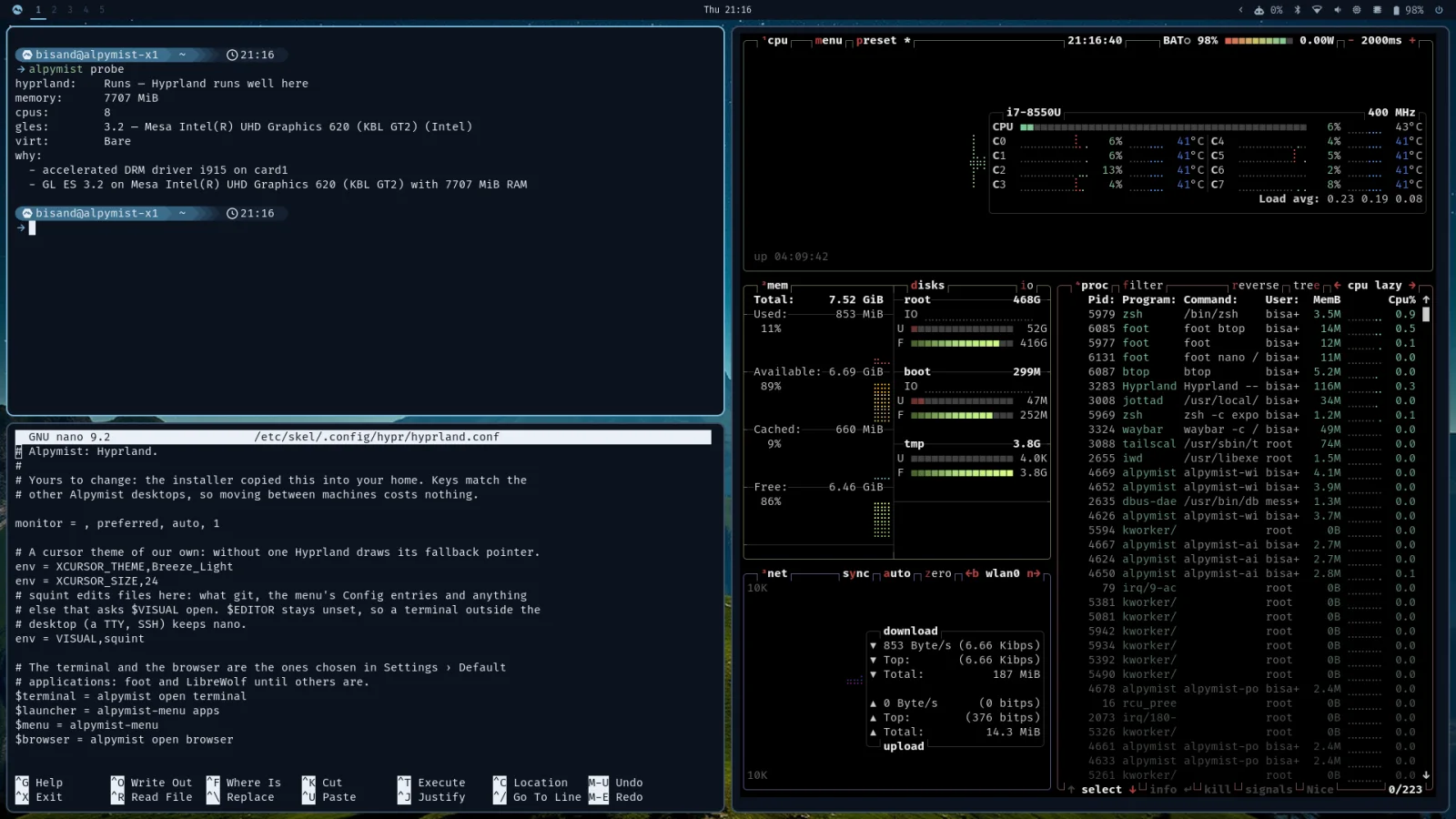
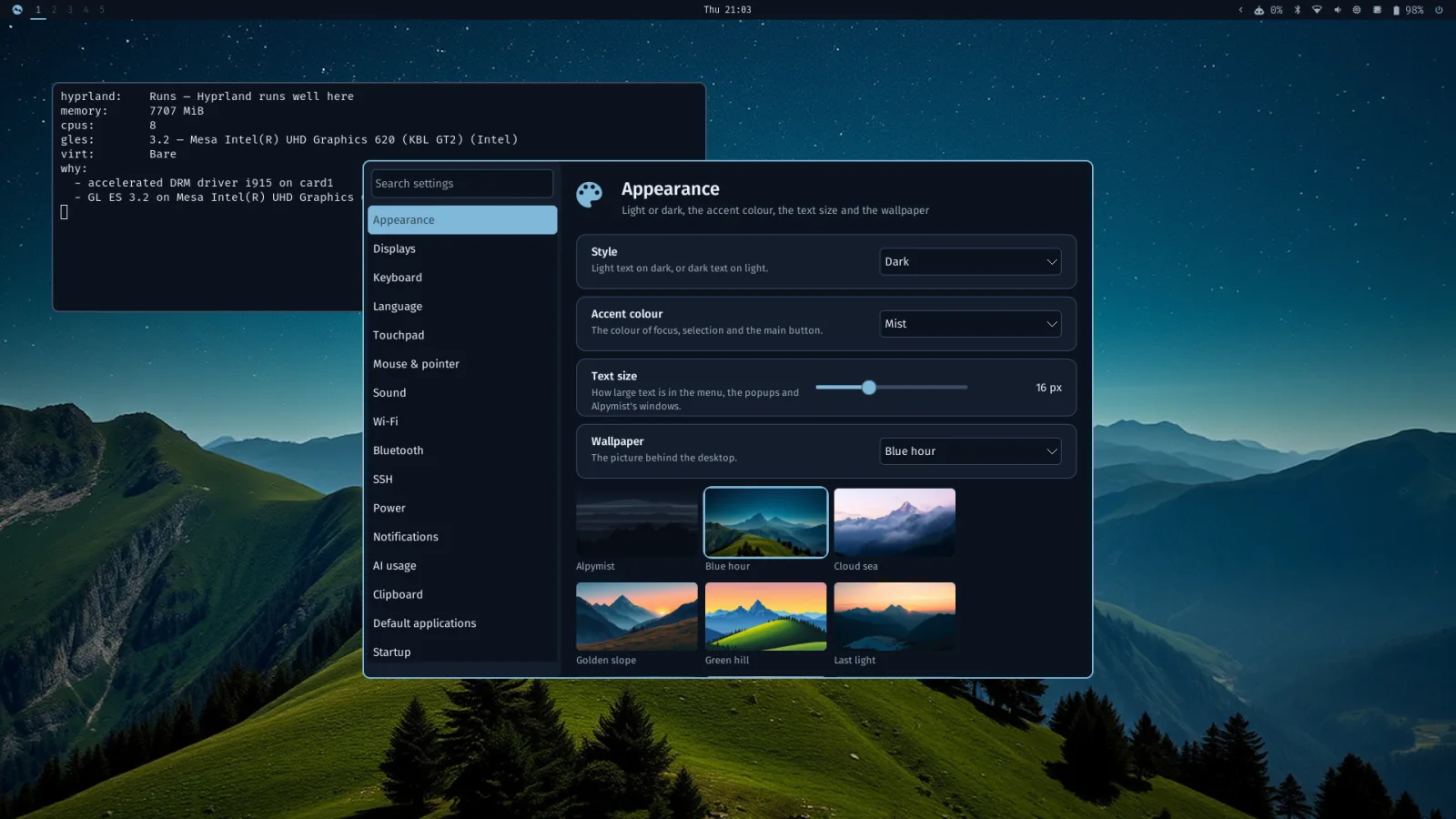
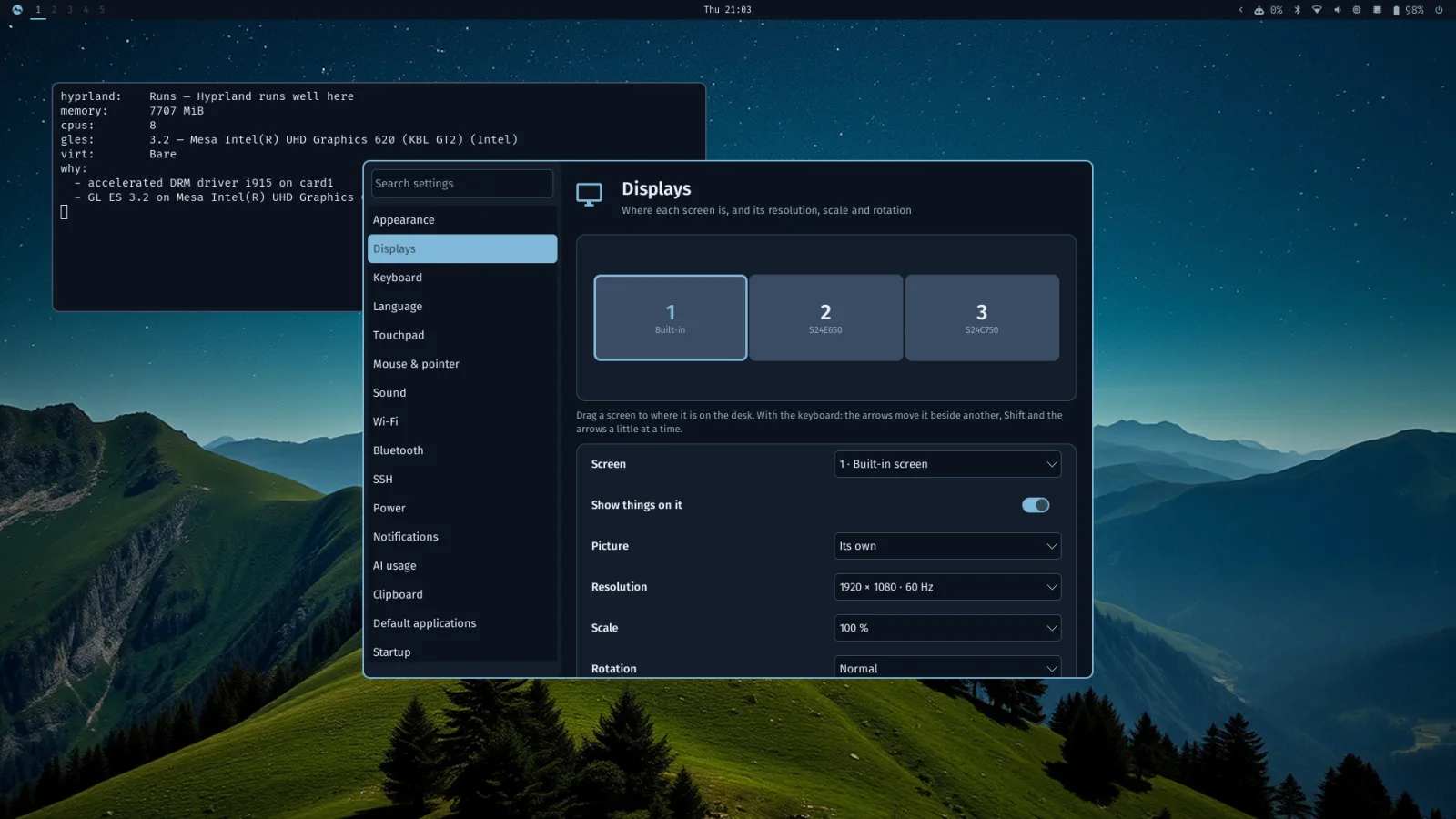
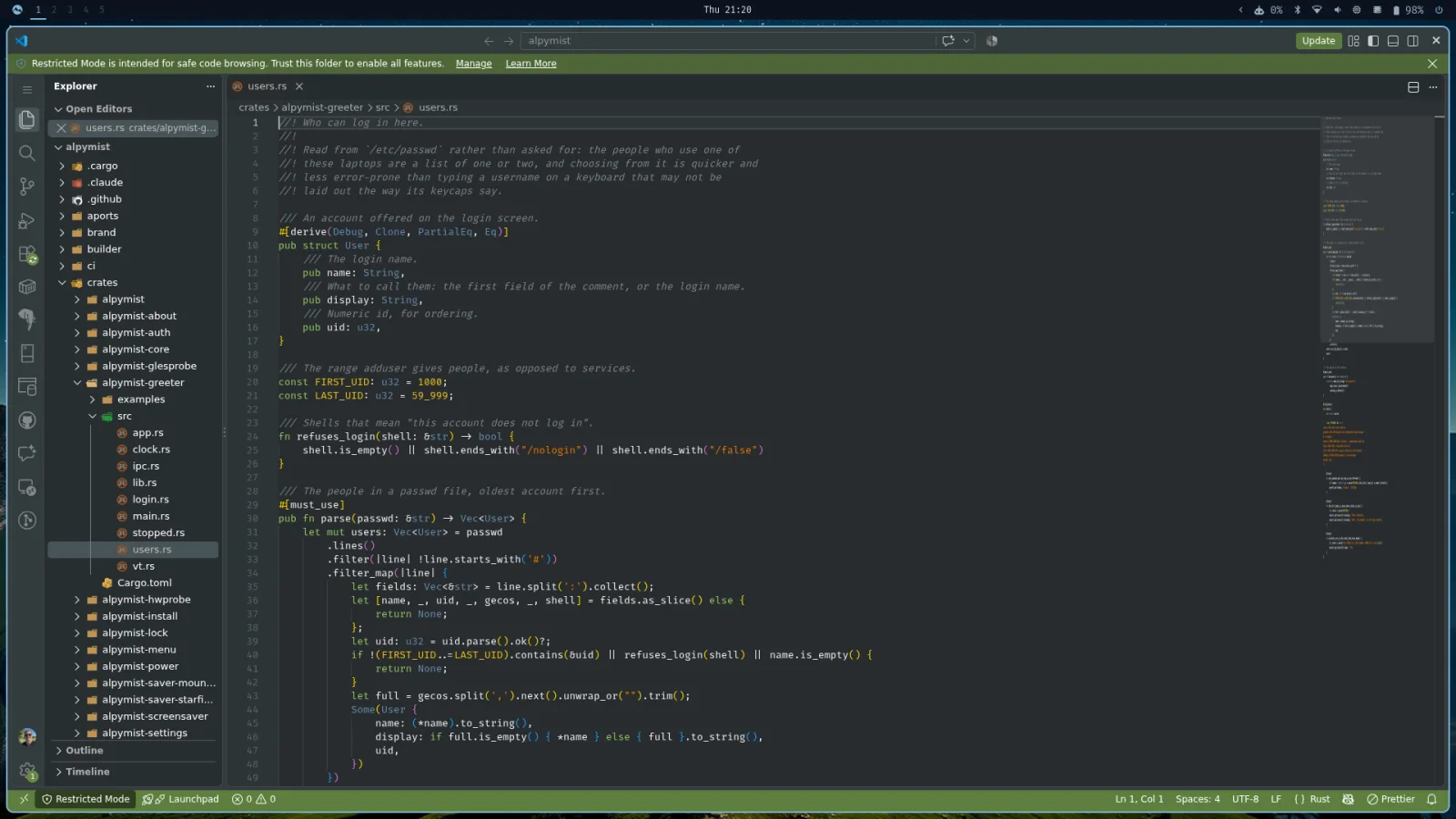
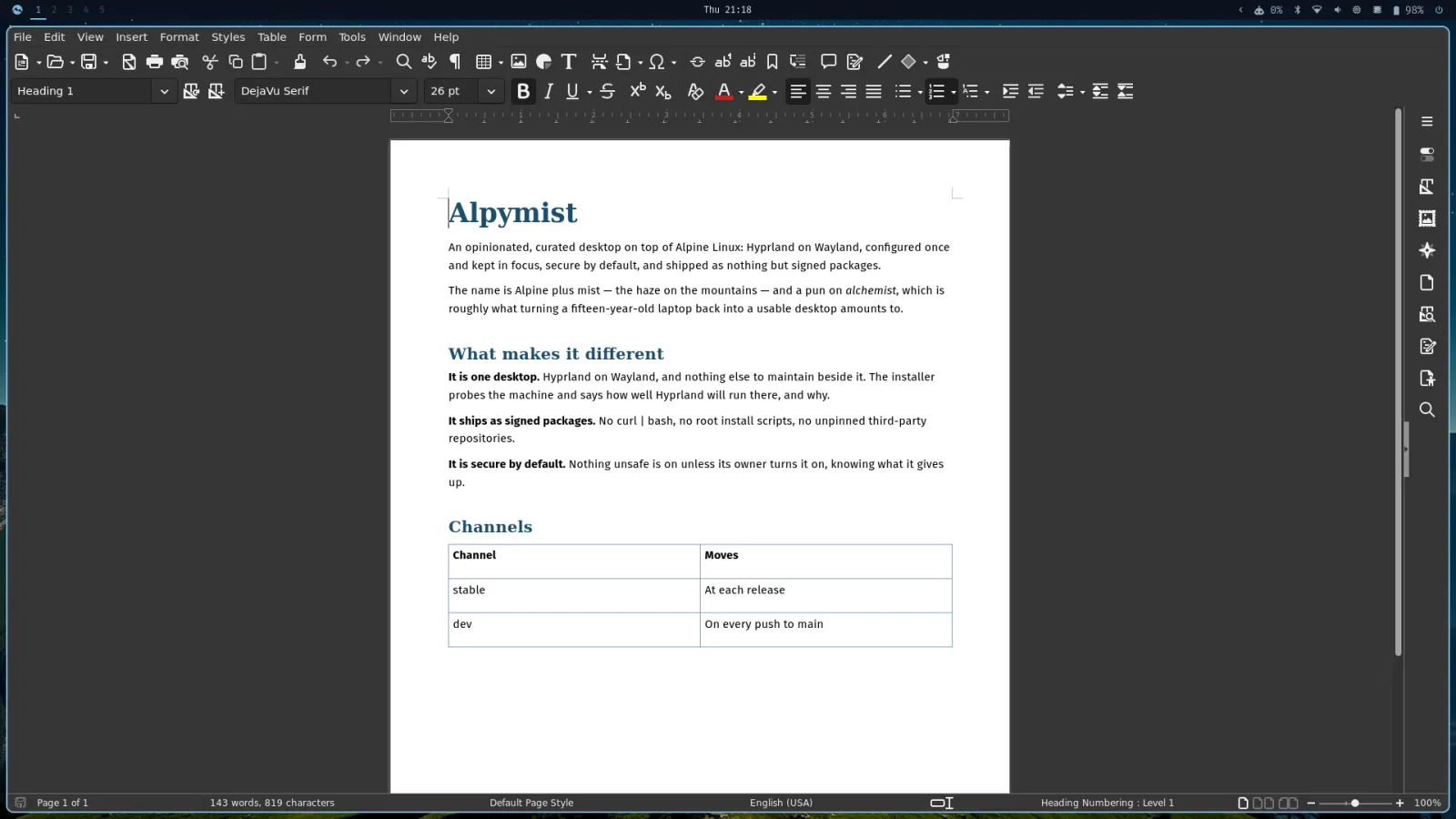
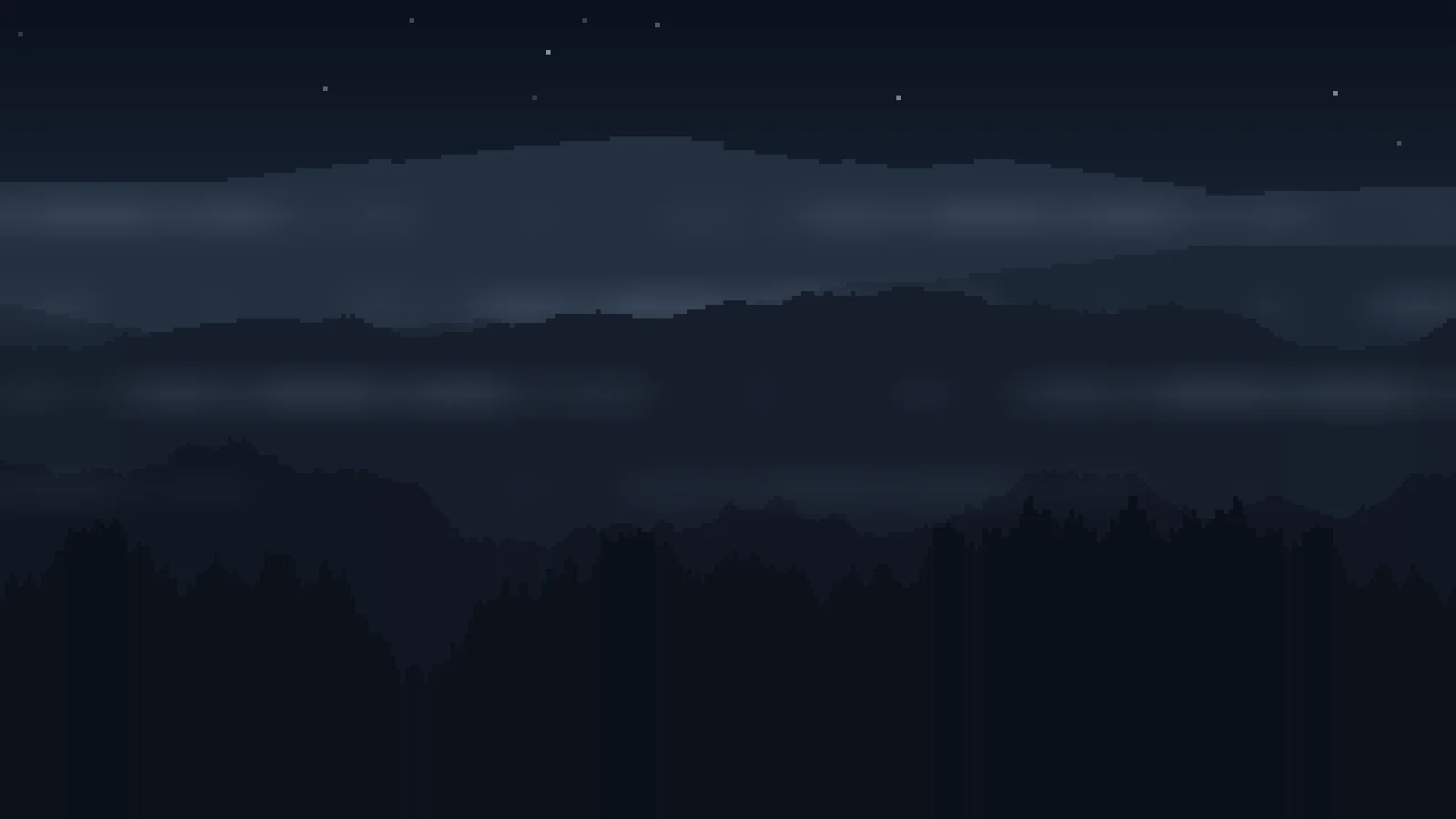
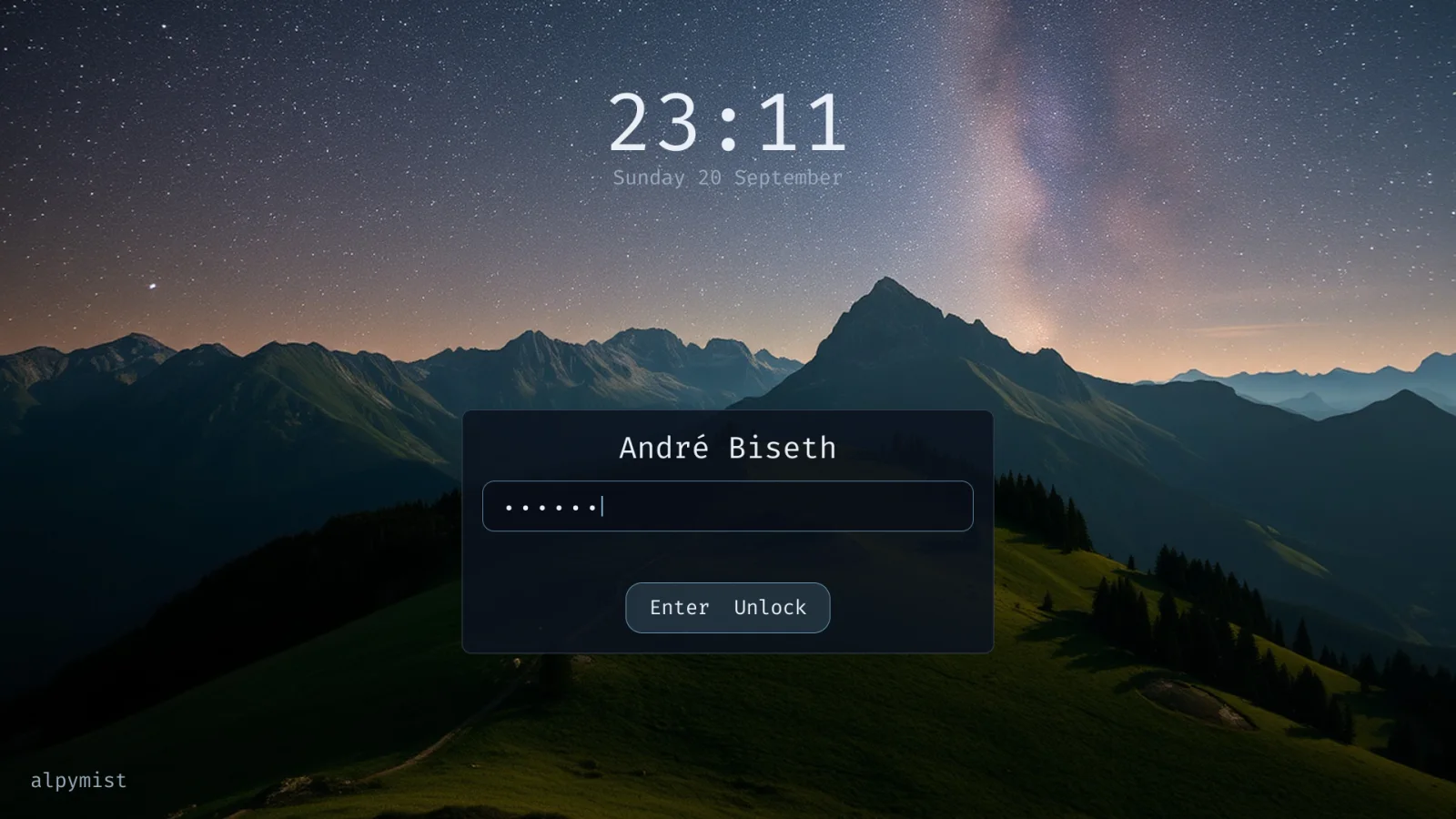
Taken on a ThinkPad X1 Carbon following the dev channel, on 1 October 2026. The lock screen is drawn by its own code rather than captured: while it is up, the compositor shows nothing else.
Settings, three ways in
One library behind a Settings app, the alpymist command line and the popups under the bar. Every setting the app shows, alpymist list shows too.
The lock is the login screen
The same picture, clock and card, as a session lock the compositor keeps up even if the program drawing it dies.
Screensavers are packages
A program and a file declaring its settings. Mountains and a starfield ship; anyone can package another without touching Alpymist.
A layout for each set of screens
Arrange them in Settings, and the dock, the projector and the lid each get their layout back. Every screen has its own workspaces 1 to 9.
A keyring, and an SSH agent that forgets
Secrets are kept in a keyring the login password unlocks. SSH passphrases are asked for in a prompt Ctrl+Alt+Delete vouches for.
Copy and paste on Super
Super+C, X and V work in every window, terminals included. A clipboard history exists, and is off until you turn it on.
Docks are asked about
A Thunderbolt or USB4 device reaches memory, so it is let in only when you approve it, with the IOMMU on.
Fingerprints unlock, never log in
Once an administrator turns it on, an enrolled finger unlocks the screen and answers admin prompts. Logging in still takes the password.
AI usage in the bar
Limits and spend for the AI tools you pay for. Providers are packages, keys live in the keyring, and nothing is on until you add one.
Graphics in a virtual machine
In a virtio-gpu guest the installer offers a Mesa with the virgl driver, so Hyprland draws on the host's graphics card and not the processor.
The newest of these reach the dev channel first, and the installer image with the release after. How the channels work.
Hardware
Said by probing, never by guessing
At install and again on first boot, Alpymist checks what the GPU, driver and memory can actually do, and says how Hyprland will run. Anything it cannot confirm counts against the machine, and nothing is refused on it: you decide.
RunsHyprland on the GPUAccelerated DRM, GL ES 3.0 or newer, 3 GiB of memory
Animations, blur, everything as it is meant to be.
SlowHyprland on the processorA software renderer such as llvmpipe, or less than 3 GiB of memory
It runs, and the probe says why it will not be quick.
UnlikelyHyprland may not startNo DRM/KMS device, only a firmware framebuffer, no EGL, or GL ES below 3.0
The installer says so, with the reasons, and lets you go on.
Status
Early, and installable
Each release comes with an installer image for x86_64 and for aarch64, built by CI from
the same packages the signed repository serves; the x86_64 one is booted in QEMU before
those packages are published. Installed systems upgrade with apk upgrade. It is
young software with rough edges: try it in a virtual machine, or on hardware you do not
need tomorrow.